
Explore Accounting Solutions
Simplify Your Accounting, Focus on Growth
Trusted by businesses of all sizes to streamline accounting, improve accuracy, and deliver clear financial insights—all from one secure system.
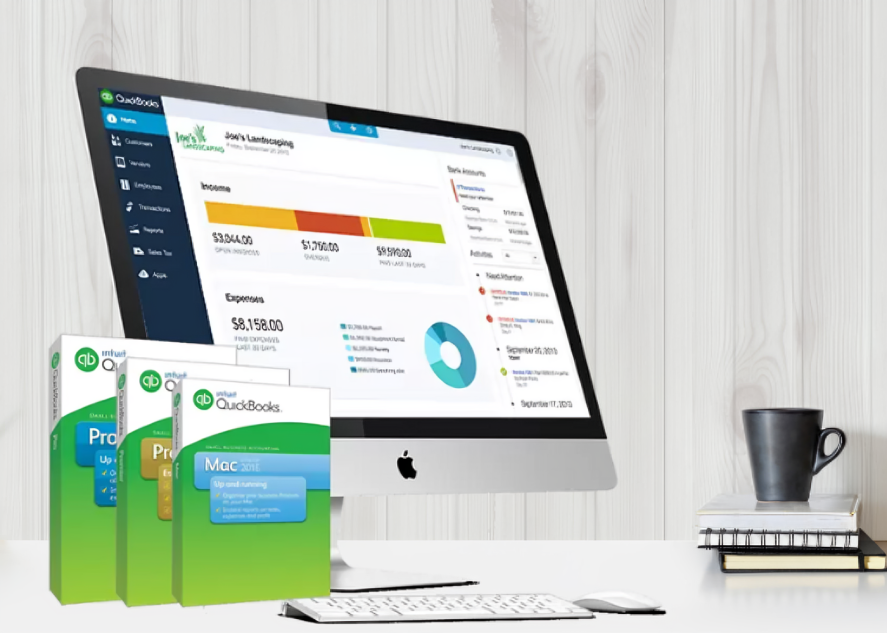
Smart Accounting Guidance for Small & Growing Businesses
In today’s fast-moving business world, managing finances is no longer just about record-keeping. It’s about understanding your numbers, making smarter decisions, and saving time. That’s why modern accounting software has become essential for small and growing businesses.
Whether you run a small shop, a service-based business, or an online store, handling invoices, expenses, taxes, and reports manually can quickly become stressful. A modern accounting system keeps everything organized and gives you a clear picture of your financial health.
At OnlineQBExpert, we help business owners understand accounting software, choose the right tools, and use them effectively to grow with confidence.
Financial Clarity
Clear reports, insights, and visibility into business performance.
Time Saving Automation
Reduce manual work with smart automation and tools.
Secure & Reliable
Data protection, backups, and safe cloud-based systems.
Expert Guidance
Practical advice tailored for small business owners.
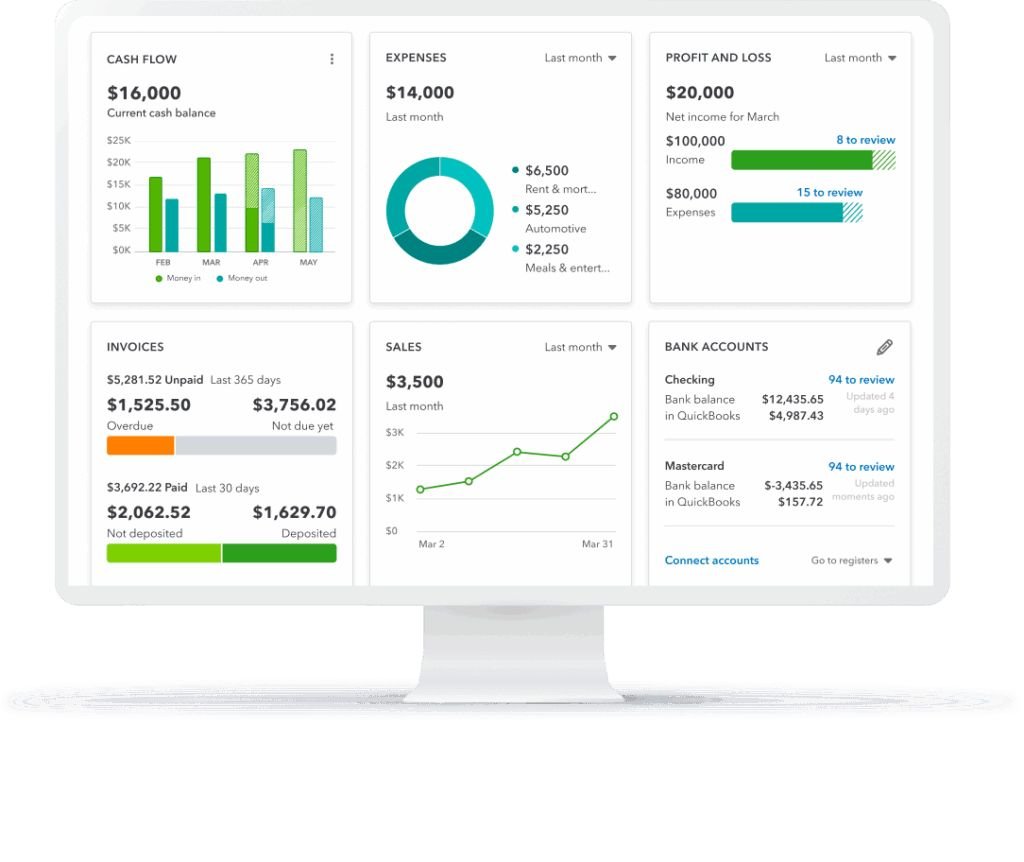
Trusted Accounting Knowledge
For Modern BusinessesWhat Is Modern Accounting Software?
Modern accounting software is a digital system that helps businesses manage their financial activities such as:
- Recording income and expenses
- Creating and sending invoices
- Tracking payments
- Managing taxes
- Generating reports
- Monitoring cash flow
- Handling payroll (in some versions)
Instead of using notebooks, spreadsheets, or manual calculations, everything is handled automatically in one system. This reduces errors, saves time, and makes financial management much simpler. Most modern solutions are now cloud-based, which means you can access your data from anywhere, anytime, using a computer or even a mobile phone.
Talk to an Expert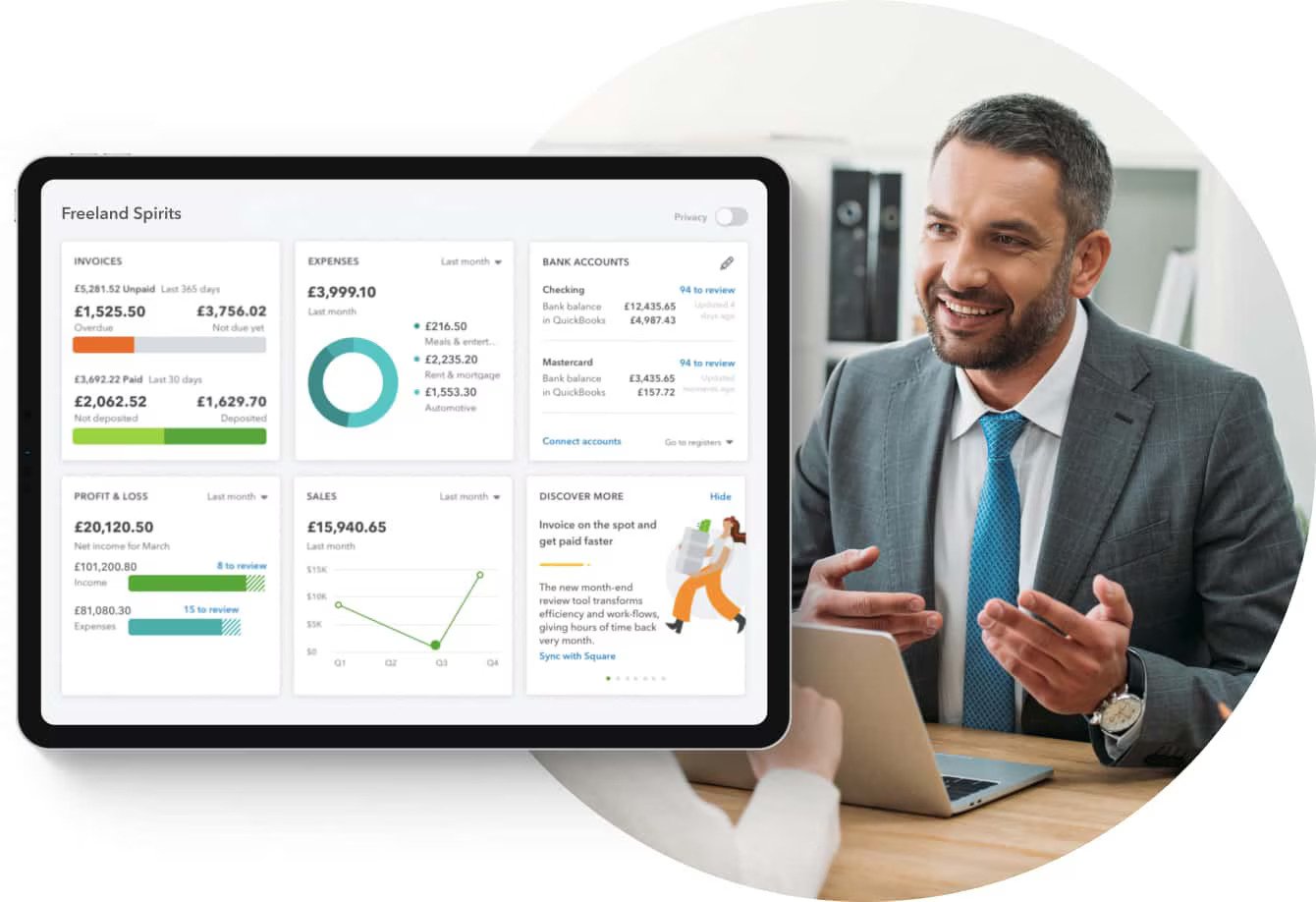

Why Businesses Are Moving Away from Manual Accounting?
Many businesses still rely on spreadsheets or handwritten records. While this may work in the beginning, it becomes difficult as the business grows.
- High chance of human error
- Time-consuming calculations
- Difficulty in tracking old records
- No real-time financial overview
- Hard to prepare tax reports
- Risk of losing data
Modern accounting software solves all these problems by automating calculations, organizing data, and keeping everything secure.
Talk to an ExpertKey Features of Modern Accounting Software
Powerful tools designed to simplify accounting and support business growth.
Easy Invoicing & Billing
Create professional invoices quickly, send them to customers, track payments, and send automatic reminders to improve cash flow.
Expense Tracking
Automatically record and categorize expenses, track spending trends, attach receipts, and control business costs easily.
Bank Integration
Connect bank accounts to import transactions automatically and match income and expenses accurately.
Financial Reports
Generate profit & loss, balance sheet, cash flow, expense, and sales reports to understand business performance.
Tax Management
Track taxable income, calculate taxes automatically, organize reports, and reduce the risk of errors or penalties.
Inventory Management
Track stock levels, monitor fast-moving products, avoid shortages, and receive low-stock alerts.
Payroll Support
Calculate salaries, manage deductions, generate payslips, and keep employee salary records organized.
Payment Tracking
Monitor paid, unpaid, and overdue invoices to send reminders on time and maintain healthy cash flow.
Data Security & Backup
Secure cloud storage, automatic backups, and controlled access protect your financial data at all times.
How Accounting Software Helps Business Owners
Automation, clarity, and efficiency designed for smarter business management.
Saves Time Every Day
Automation reduces manual work such as calculations, data entry, and report preparation, giving you more time to focus on business growth.
Reduces Errors
Automatic calculations significantly reduce mistakes compared to spreadsheets or handwritten accounting methods.
Clear Financial Visibility
- Daily income & expenses
- Monthly profit or loss
- Outstanding payments
- Current cash position
Improves Cash Flow Management
- Know who needs to pay you
- Track incoming money
- Monitor outgoing expenses
Makes Tax Time Less Stressful
Organized records and ready-made reports make tax preparation faster, easier, and far less stressful.
Better Business Decisions
With accurate and up-to-date financial data, business owners can plan budgets, control costs, and grow with confidence.
Cloud-Based vs Desktop Accounting Software
Compare the features and understand why cloud solutions are preferred.
Talk to an Expert
Cloud-Based Systems
- Accessible from anywhere
- Data stored securely online
- Automatic backups & updates
- Easy collaboration with team/accountant
- No heavy installation required
Note: Cloud solutions are flexible, safe, and ideal for growing businesses.
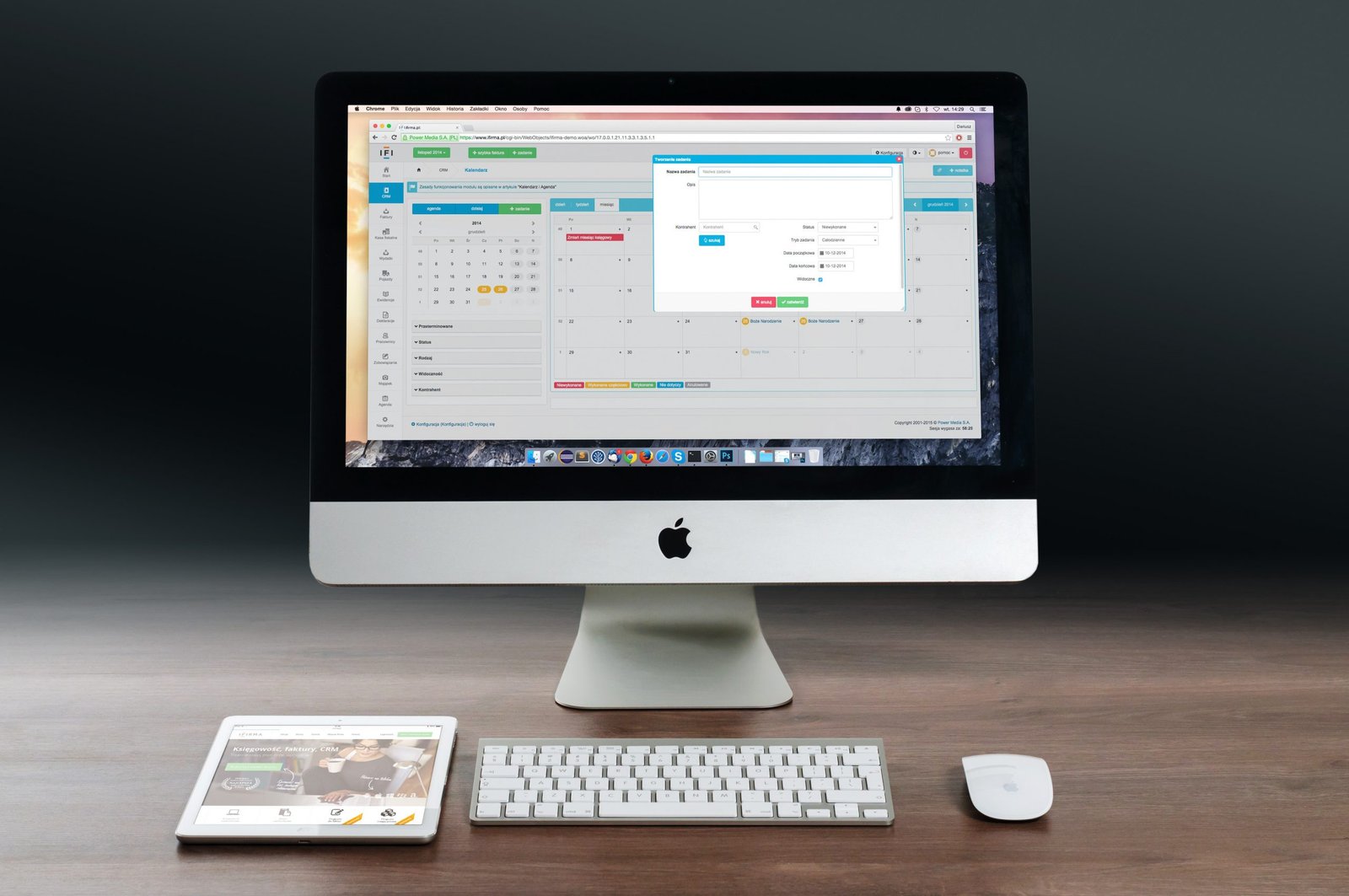
Desktop Systems
- Installed on a single computer
- Access limited to that device
- Manual backups required
- Less flexible for remote work
Note: Desktop systems are less flexible and less suitable for modern business needs.
Accounting Software Insights
Everything you need to know about modern accounting software for businesses of all sizes.
Is Accounting Software Only for Big Businesses?
Not at all. Small businesses benefit the most because:
- They save time
- They don’t need a full-time accountant
- They get better control over money
- They look more professional to clients
Even freelancers, shop owners, consultants, and startups can use accounting software to manage finances properly.
How to Choose the Right Accounting Software
- Is it easy to use?
- Does it match your business size?
- Does it support your local tax system?
- Can it grow with your business?
- Does it offer good customer support?
- Is your data secure?
Always choose something that is simple, reliable, and scalable.
Security and Data Safety
- Encrypted data storage
- Secure servers
- Regular backups
- Access controls
Your data is often safer than keeping it on your own computer or in physical files.
The Future of Accounting Software
- AI-based insights
- Automatic expense categorization
- Smart financial predictions
- Real-time business health tracking
- Voice and mobile-based operations
In the future, business owners won’t just record data—they’ll get suggestions and warnings to improve their finances.
Accounting Software Insights
Debunk myths and understand why modern accounting software is essential for your business.
Common Myths About Accounting Software
- “It’s only for accountants”: Not true. Modern systems are designed for normal business owners.
- “It’s too expensive”: Most systems cost less than the time and money lost through manual errors.
- “It’s too complicated”: Today’s software focuses on simple design and easy use.
Final Thoughts
Managing business finances does not have to be difficult, confusing, or stressful. With modern accounting software, you can:
- Save time
- Reduce mistakes
- Understand your business better
- Stay organized
- Make smarter decisions
- Grow with confidence
In today’s competitive world, using the right tools is not a luxury—it’s a necessity. Switching to a modern accounting system is one of the smartest decisions you can make for a healthy, organized, and growth-ready business.
Frequently Asked Questions (FAQs)
Find answers to the most common questions about modern accounting software.
- Tax planning
- Legal compliance
- Financial strategy
- Business growth advice
- Encrypted data
- Secure servers
- Automatic backups
- Login protection
- Create invoices
- Check reports
- Record expenses
- See payments
- It saves time
- It reduces mistakes
- Keeps records organized
- Helps during tax season
- Improves business discipline
- Daily for sales and expenses
- Weekly for bank matching
- Monthly for reports review
- Show income proof
- Show profit & loss
- Show balance sheet
- Show cash flow
- Edit entries
- Delete entries
- Add correction entries
Practical User Guides
Step-by-step instructions to get the most out of modern accounting software.
Talk to an ExpertSet Up Accounting System
Enter business details, bank account, products, and tax settings. One-time setup in less than an hour.
Create & Send Invoice
Quickly generate invoices, send via email or PDF, and track payments efficiently.
Record Daily Expenses
Add date, amount, category, description, and receipts to keep expense records organized.
Track Payments
Monitor paid, unpaid, and overdue invoices to improve cash flow and avoid forgotten payments.
Check Profit & Loss
Review monthly income and expenses to understand profit, costs, and improvement areas.
Match Bank Transactions
Sync bank transactions, match them with your records, and confirm accuracy easily.
Prepare for Tax Time
Ensure all income & expenses are entered, check reports, and share summaries with your accountant.
Use Reports for Decisions
Review Profit & Loss, Cash Flow, Expense, and Sales reports to make informed business decisions.
Final Extended Conclusion
Modern accounting software is more than record-keeping—it helps you save time, reduce stress, improve planning, and grow with confidence. Automation, smart reports, and secure storage make even small businesses powerful financial managers.